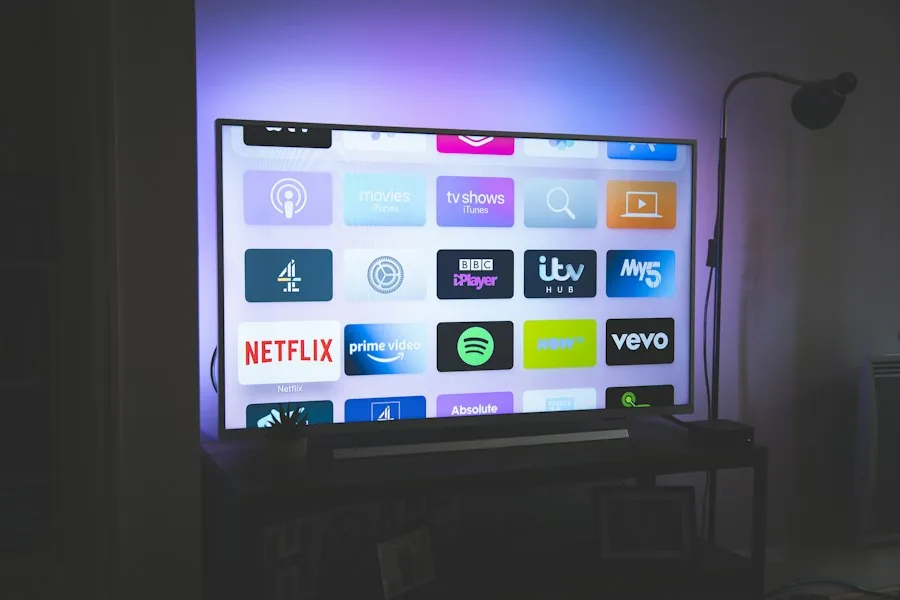
Configuring IPTV Android TV Australia allows you to turn any smart screen into a high-powered home theatre. Whether you own a Sony Bravia, TCL smart display, Nvidia Shield, or a modern Google TV Official Chromecast stick, follow our quick 5-minute setup tutorial to stream live footy, movies, and international television today.
The Android TV and Google TV operating system is the most flexible entertainment platform available in Australian households. Unlike proprietary TV firmware that restricts sideloading and external apps, Android TV grants full access to the Google Play Store as well as third-party APK installers.
From affordable Chromecast 4K streaming dongles to flagship OLED panels from Sony, you enjoy hardware-accelerated video decoding that renders 50fps AFL and NRL live sports with silky-smooth frame pacing.
Get your AusLiveTV subscription up and running on your television in under five minutes.
From the Android TV home screen, scroll to the Apps tab or open the Google Play Store directly using your remote.
Type TiviMate IPTV Player or IPTV Smarters Pro into the search bar. Click Install to download the application to your TV.
Open the installed player app, select "Add Playlist", and choose the "Xtream Codes API" connection option.
Enter your Server URL, Username, and Password provided upon subscription. Toggle "Include VOD" to access the full movie and on-demand catalogue.
Select Done. Your TV will automatically download channel categories and display full Australian time zone EPG program information.
Choose the right media player to match your viewing preferences and device hardware capabilities.
The undisputed king of Android TV interfaces. Clean horizontal TV guide, multi-screen quad-view for sports, and automated recording features.
Rating: 4.9/5 ★ (Recommended)A user-friendly player featuring separate dashboards for Live TV, Movies, and TV Series. Perfect for non-technical family members.
Rating: 4.6/5 ★Highly customizable with deep codec configurations, picture-in-picture modes, and automatic stream fallbacks.
Rating: 4.5/5 ★Common inquiries about installing and watching IPTV on Android smart TVs in Australia.
TiviMate is the undisputed #1 application for Android TV and Google TV in Australia. It offers a premium TV guide interface, custom channel sorting, multi-view sports windows, and seamless AEST EPG synchronization.
Yes. Any television powered by Android TV or Google TV (including Sony Bravia, TCL, and Hisense models with Google OS) can download compatible player apps straight from the Google Play Store.
Yes, Chromecast with Google TV (4K model) is one of the most budget-friendly, high-performance streaming sticks in Australia, delivering rock-solid 4K 50fps sports coverage.
Unlock 20,000+ live feeds, instant setup on your Android TV, and zero contracts. Backed by 24/7 Australian customer assistance.