Configure IPTV Firestick Australia in under 5 minutes for pristine 4K live sports and television. Follow our step-by-step walkthrough to install Downloader, sideload TiviMate or IPTV Smarters Pro, and configure your credentials for buffer-free streaming across Australian NBN networks.
Amazon Fire TV Stick uses FireOS (built on Android), making it one of the simplest and most powerful streaming devices for uncompressed 4K 60fps television.
From your Firestick home screen, navigate to Find > Search. Type "Downloader" and select the orange Downloader app from the Amazon Appstore. Click Get to download and install.
Go to Settings > My Fire TV > About. Click on your Firestick device name rapidly 7 times until you see "No need, you are already a developer." Then return to Developer Options > Install Unknown Apps and toggle Downloader to ON.
Open Downloader and enter the direct numeric shortcode or official download URL for TiviMate IPTV Player (recommended) or IPTV Smarters Pro. Click Go, wait for the APK to download, and select Install.
Launch your player and select Add Playlist > Xtream Codes API. Enter your server URL, username, and password received in your AusLiveTV welcome email or WhatsApp message. Your channels and Australian EPG will load automatically in under 60 seconds.

Always plug your Amazon Firestick into the included wall power adapter rather than a television USB port. TV USB ports often lack sufficient amperage, causing intermittent frame drops during high-bitrate 4K 60fps footy matches.
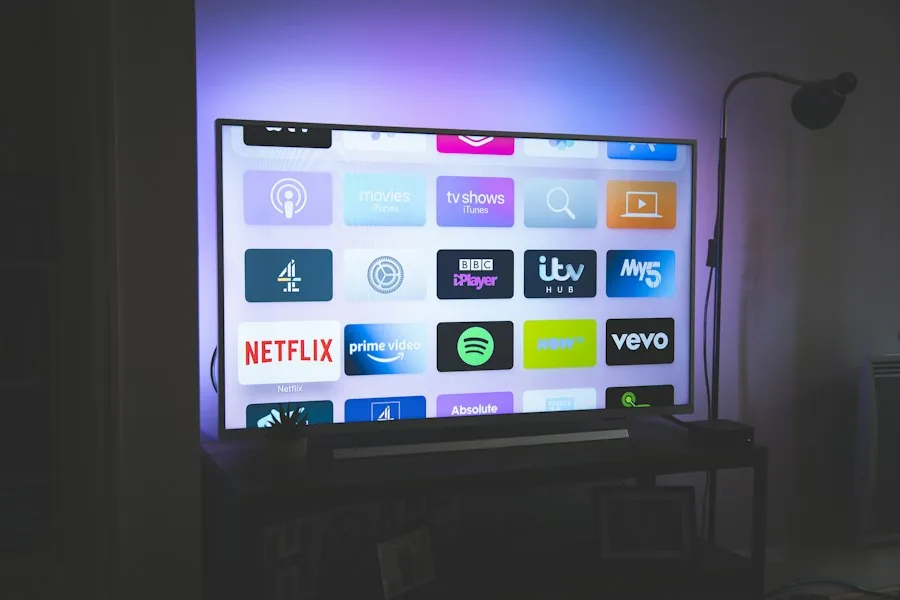
Not all Firestick models perform identically with high-bitrate live streams. Here is our breakdown of recommended hardware for Australian viewers.
Capable of 1080p Full HD at 60fps. Suitable for bedroom TVs and secondary displays, but lacks 4K resolution and has 1GB RAM.
Fast quad-core 2.0 GHz processor, 2GB RAM, and Wi-Fi 6E. Handles uncompressed 4K AFL, NRL, and cinema streams with zero hesitation.
Octa-core processing with integrated Ethernet port and hands-free Alexa. Fastest channel switching speed of any streaming player.
While many players exist, TiviMate delivers a clean television experience that rivals traditional cable set-top boxes. It integrates a 7-day Electronic Program Guide (EPG), quick channel zapping, picture-in-picture multi-view, and custom channel grouping.
AusLiveTV provides fully pre-configured M3U playlist URLs and Xtream Codes servers optimized specifically for TiviMate, ensuring all Australian timezones (AEST, AWST, ACST) synchronize accurately.
Follow these three essential settings adjustments inside FireOS and your player to ensure perfectly smooth 4K 60fps playback.
Avoid crowded 2.4GHz Wi-Fi bands. Connect your Firestick to your router's 5GHz network, or use an Amazon Ethernet adapter for zero interference.
In TiviMate Settings > Playback > Buffer size, change from 'Normal' to 'Large'. This caches 5–8 seconds of video ahead to absorb temporary NBN line jitter.
Enable 'Auto Frame Rate' matching in player settings. This synchronizes Australian 50Hz and US/UK 60Hz sports feeds seamlessly with your TV panel.
Get instant solutions to common Amazon Firestick setup questions, downloader codes, and streaming optimization in Australia.
Start Free Firestick Trial →Experience 10,000+ live channels, every live AFL & NRL game, and 50,000+ movies on demand on your Amazon Firestick.
Works on all Firestick models • Instant setup • 🇦🇺 Dedicated Australian CDN edge nodes

