πŸ‰ Live Australian & Global Sports πŸ“Ί All 10,000+ Live Channels 🎬 50,000+ Movies & TV Series VOD βš™οΈ Device Setup Guides πŸ’° IPTV Plans from $8.33/mo βš–οΈ Australian Legal Guide πŸš€ Start 24hr Free Trial →
NATIVE SAMSUNG TIZEN & LG WEBOS STREAMING

IPTV Smart TV Australia β€” Best 5-Minute Samsung & LG Guide

Configure IPTV Smart TV Australia on your Samsung Tizen or LG webOS television without needing an external streaming box. Stream 10,000+ live 4K channels, AFL, NRL, and 50,000+ movies directly through high-performance Smart TV players in under 5 minutes.

SAMSUNG TIZEN OS (2018–PRESENT)

How to Install IPTV on Samsung Smart TV

Samsung TVs powered by Tizen OS make watching live television seamless. You do not need to purchase an external Android box or HDMI stick.

Quick Samsung Setup Steps:

  1. Press the Home button on your Samsung remote and open Apps.
  2. Search for IBO Player, Nanomid, or Smart IPTV.
  3. Click Install and launch the application.
  4. Note down your TV's Device MAC Address displayed on the TV screen.
  5. Upload your AusLiveTV M3U link or reply to our WhatsApp support team for instant automated setup.
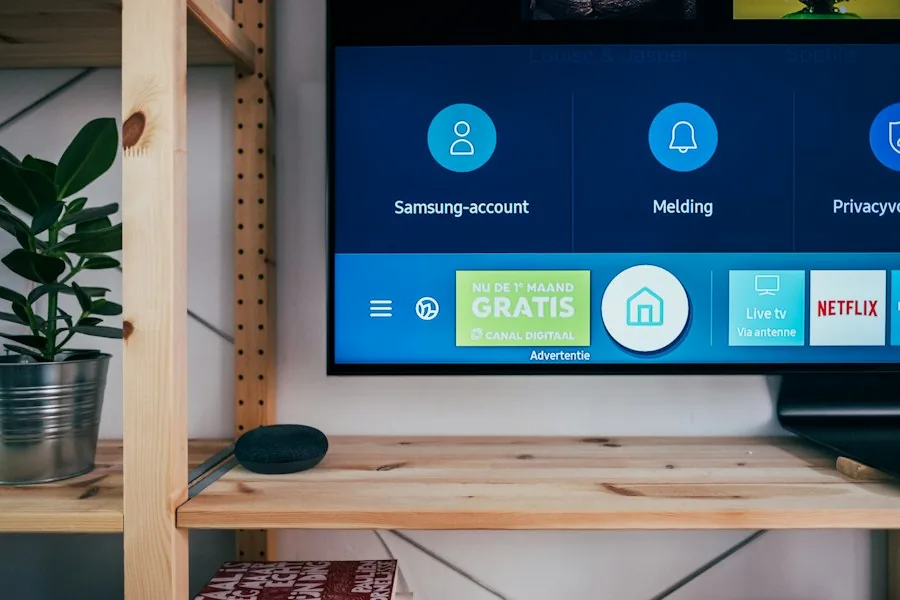
Test on Your Samsung TV Free Plans from $8.33/mo AUD
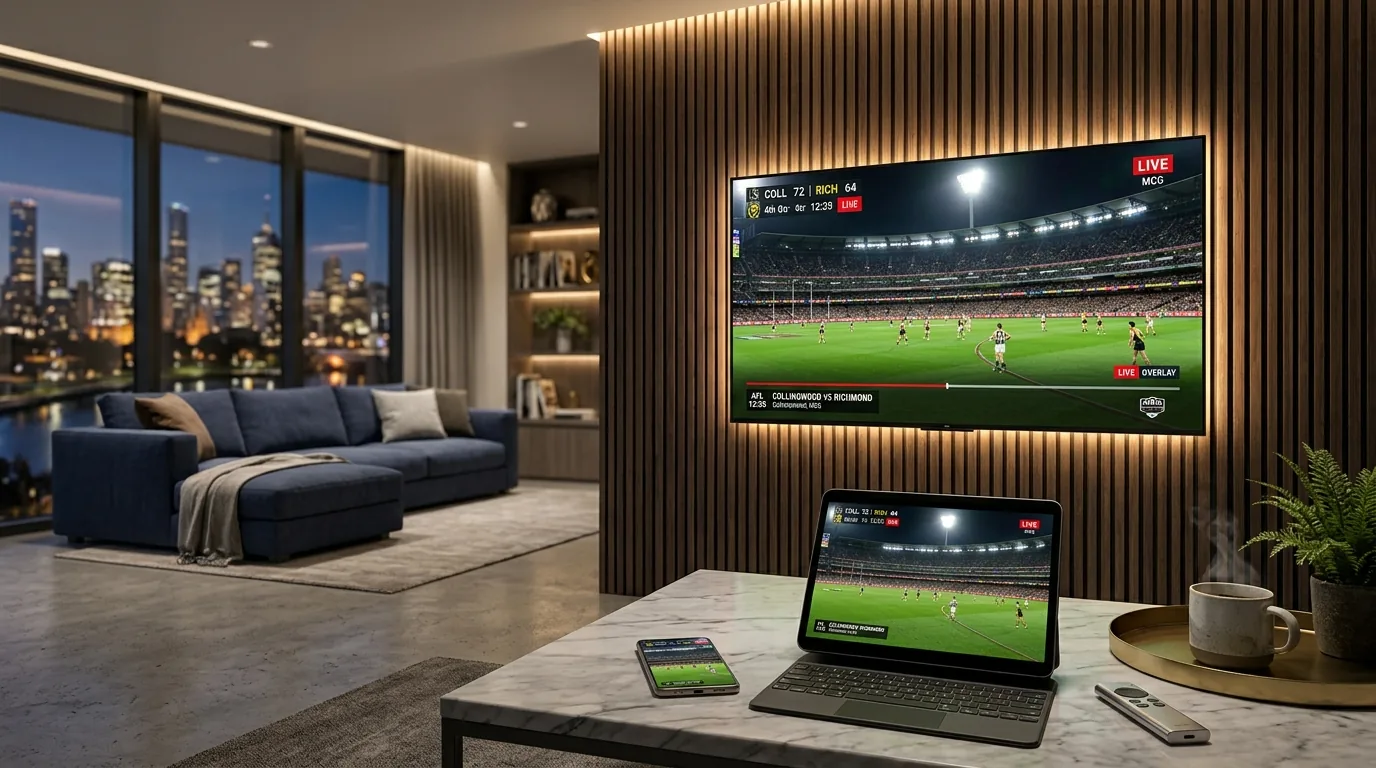
IPTV Smart TV Australia Living Room Setup
IPTV Smart TV Australia Multi Screen Streaming
LG WEBOS (OLED, QNED, NANOCELL)

How to Install IPTV on LG Smart TV

LG OLED and webOS TVs offer exceptional black levels and vibrant HDR colors, making them the ultimate screens for live sports and Hollywood cinema.

Quick LG webOS Setup Steps:

  1. Navigate to the LG Content Store Australia using your LG Magic Remote.
  2. Search for IBO Player or IPTV Smarters Pro and click Install.
  3. Open the app and locate your Device MAC Address and Device Key.
  4. Link your AusLiveTV subscription through the online portal or send the MAC code to our WhatsApp chat.
  5. Restart the application to enjoy uncompressed 4K footy and entertainment.
Start Free 24hr Trial All Device Tutorials
SMART TV FAQ

IPTV Smart TV Australia
Frequently Asked Questions

Find straightforward answers to questions about Smart TV apps, MAC activation, picture settings, and free trial testing in Australia.

Start Free 24hr Trial →
Yes, modern Samsung Tizen Smart TVs (2018 or newer) support native IPTV applications like IBO Player, Nanomid, and Smart IPTV directly through the official Samsung App Store.
IBO Player and Nanomid Player are the top recommended applications on LG webOS TVs due to their smooth 4K 60fps playback and full LG Magic Remote integration.
Simply send your TV app's Device ID / MAC address to our 24/7 WhatsApp support team, and our technicians will remotely link your subscription in under 2 minutes.
Yes, AusLiveTV delivers automated AEST, AWST, and ACST timezone EPG data directly into your Smart TV player's built-in electronic guide.
We recommend an Australian NBN 50 or NBN 100 broadband connection (at least 25 to 50 Mbps download speed) for completely buffer-free 4K sports streaming.
Yes, AusLiveTV offers a 100% free 24-hour trial with zero credit card required so you can test channel quality directly on your living room television.
UPGRADE YOUR LIVING ROOM SMART TV

The Best Smart TV Streaming in Australia.
Plans from $8.33/mo AUD with 24hr Free Trial.

Stream 10,000+ live 4K channels, all Australian footy, and 50,000+ movies directly on your Samsung, LG, Sony, or Hisense television.

Zero credit card needed • Automated remote activation • πŸ‡¦πŸ‡Ί Australian edge CDN servers

NEVER MISS A MATCH OR NEW RELEASE

Get Free Trial Access & Match Schedules

Be first to hear about new plan discounts, live match schedules, and free 24hr trial access.

AusLiveTV rated Excellent on Trustpilot
Safe & Secure Checkout - SSL Encrypted Payment