Take total control of your Android streaming device with IPTV Extreme Pro Australia. Engineered with integrated scheduled recording, multi-EPG provider management, and hardware video acceleration, this versatile app turns any Android box into a commercial-grade DVR system.
While most contemporary streaming apps focus exclusively on basic playback, IPTV Extreme Pro remains a perennial favorite among enthusiasts because of its robust feature set. It includes integrated live stream recording, remote web management, and automated electronic program guide parsing.
Whether running on an NVIDIA Shield, Chromecast with Google TV, or a dedicated Android television box, setup requires only a few minutes. Check the official application details on the Google Play Store catalog and test your broadband line performance with Speedtest by Ookla.
Combined with AusLiveTV low-latency Australian streaming servers, viewers enjoy buttery-smooth AFL footy, NRL rugby, Formula 1, and 4K cinema without stuttering or buffering delays.
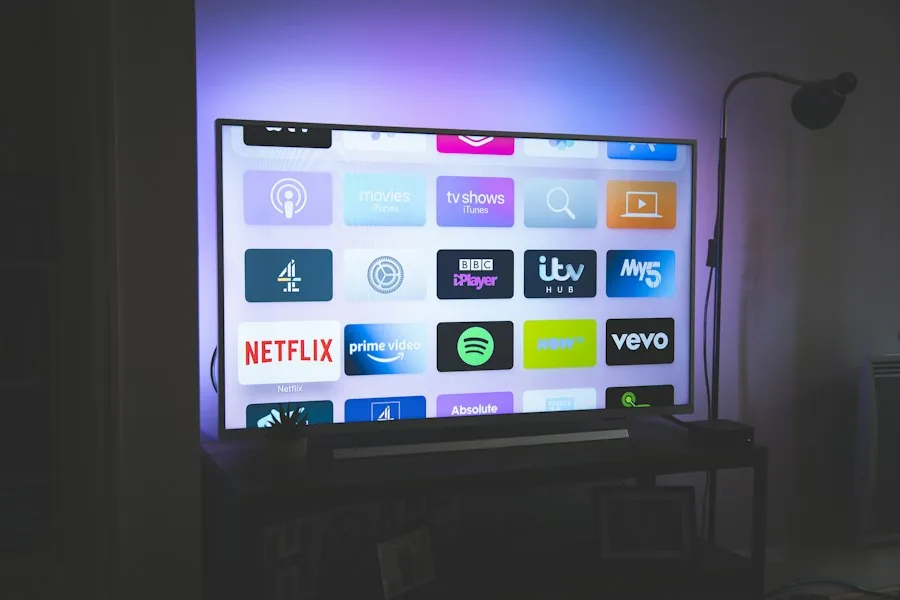
Follow this step-by-step installation walkthrough to activate your channels and configure optimal playback settings.
Download IPTV Extreme Pro from the Google Play Store on your Android TV box or sideload the verified package.
Click the three dots in the upper right corner of the screen and choose Playlists → Add Playlist.
Choose File or Link to Playlist or select Xtream Codes Portal based on your preferred activation format.
Enter Playlist Name (AusLiveTV) and paste your unique M3U Plus URL link from your welcome email. Click Save.
Navigate to Settings → Player and select ExoPlayer or Advanced Hardware Acceleration for smooth 60fps video.
Explore the specialized tools that give Australian television fans complete control over their home viewing.
Program time-based recordings directly from the electronic program guide to capture overnight sports matches effortlessly.
Assign different XMLTV guide links to distinct channel categories for pinpoint program accuracy across Aussie TV networks.
Manage channel groups, backup settings, and upload playlists from your desktop computer via local web interface.
Protect sensitive channels and custom folders with a secure master passcode for household peace of mind.
One of the primary reasons viewers choose this application is its native digital video recorder. To record live broadcasts without filling internal device memory, attach a fast USB 3.0 flash drive or external SSD formatted as FAT32 or exFAT to your Android TV unit.
Within app settings, designate your USB drive as the default recording directory. You can set single-match timers or recurring weekly recordings directly from the EPG timeline.
AusLiveTV feeds are delivered with standard broadcast timestamps, ensuring your scheduled recordings begin and conclude exactly when the referee blows the whistle.
Find answers to common questions about configuring, recording, and updating channels.
Recording requires an active stream connection. To record one game while watching another simultaneous event, ensure your AusLiveTV subscription includes a multi-room or dual-connection tier.
You can configure the application to refresh EPG data automatically every 12 or 24 hours upon startup, ensuring you always have accurate match schedules and episode details.
Submit your details on our free trial registration page. Your automated M3U Plus URL and Xtream Codes credentials will be generated and emailed in under two minutes.
Enjoy 10,000+ live HD channels, full Australian sports coverage, and scheduled DVR recording with AusLiveTV.