Welcome to the definitive setup guide for MAG Box IPTV Australia. Infomir MAG set-top boxes remain the gold standard for viewers who demand a classic set-top remote experience, near-instant channel zapping, and hardware-accelerated 4K playback.
Unlike Android streaming sticks that rely on multi-purpose software layers, Infomir MAG devices run dedicated embedded Linux firmware. This dedicated architecture yields blistering channel change speeds under 0.5 seconds and reliable remote control channel numeric dialing.
Connecting your unit to AusLiveTV requires linking your unique MAC address with our high-speed Australian portal. Test your local network throughput using Speedtest by Ookla and review local fiber broadband capabilities via NBN Co.
Enjoy all local Australian free-to-air channels, live AFL, NRL, Premier League, and international networks with full XMLTV electronic program guide support.
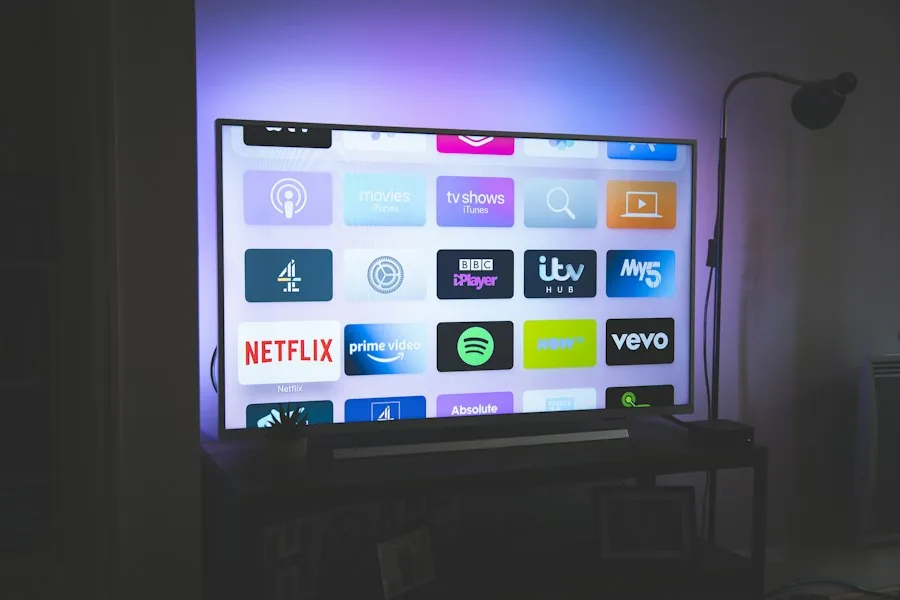
Follow these five quick steps to activate your MAG unit on our Australian high-speed streaming cluster.
Look at the sticker on the underside of your MAG box. Note down the 12-digit MAC address starting with 00:1A:79.
When ordering a trial or subscription, enter your MAC address. Our automated system binds your device in under 2 minutes.
Power on the MAG box. Navigate to Settings → System Settings → Servers → Portals.
Set Portal 1 Name to AusLiveTV and enter our secure Stalker Portal URL provided in your activation email. Leave Portal 2 blank.
Select OK to save settings, press Home, and choose Reload Portal. Your full channel directory and TV guide will load automatically.
To achieve the fastest channel zapping and pristine 4K video playback across Australia:
No contracts, no hardware fees, and automated MAC address activation within 5 minutes.
Only $10/month. 365 days of sports, local TV, and on-demand movies.
Get Best ValueActivate multiple MAG units simultaneously across your residence.
Select PlanThis message indicates that your MAC address is not yet active in our portal database. Contact our 24/7 support team with your MAC address for immediate re-activation.
Yes, MAG devices allow you to store Portal 1 and Portal 2 simultaneously and switch between them in the inner portal menu.
Submit your 12-digit MAC address on our free trial page. Your portal URL and account credentials will be provisioned automatically within minutes.
Experience instant channel switching, 4K picture quality, and 10,000+ live channels with AusLiveTV.